Foreman
Manage assigned crews, equipment, field reporting, and closeout.
 Request demo

Field management
Record task changes, job time, notes, and photos in CutFill Field. The office reviews the saved updates with the job instead of collecting them from separate messages.
Field-to-office loop
Foremen work with their assigned crews, machines, and jobs. Workers record personal time and task updates.
Supported changes save locally without service and reach the office after reconnection and successful sync.
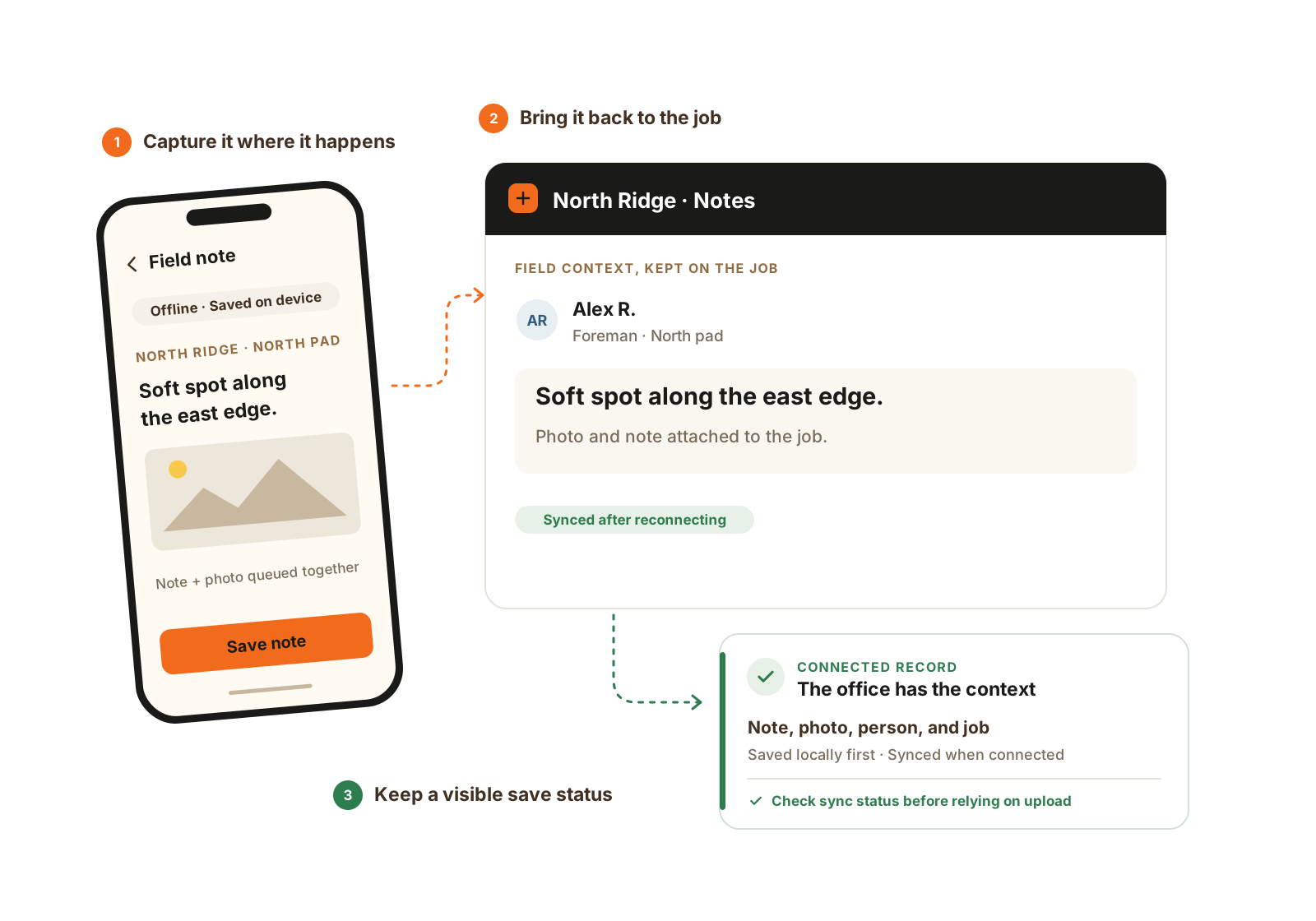
Capture supported notes and photos locally. The office sees them after connectivity returns and sync succeeds.
Two seats in CutFill Field
Manage assigned crews, equipment, field reporting, and closeout.
Record personal job time and update assigned work without managing the crew.
Useful field records
Find the update with the work it describes.
Keep supporting images beside the note, instead of searching a text thread.
Review saved updates after they reach the shared record.
Leave the completed work and remaining blockers for the next person.
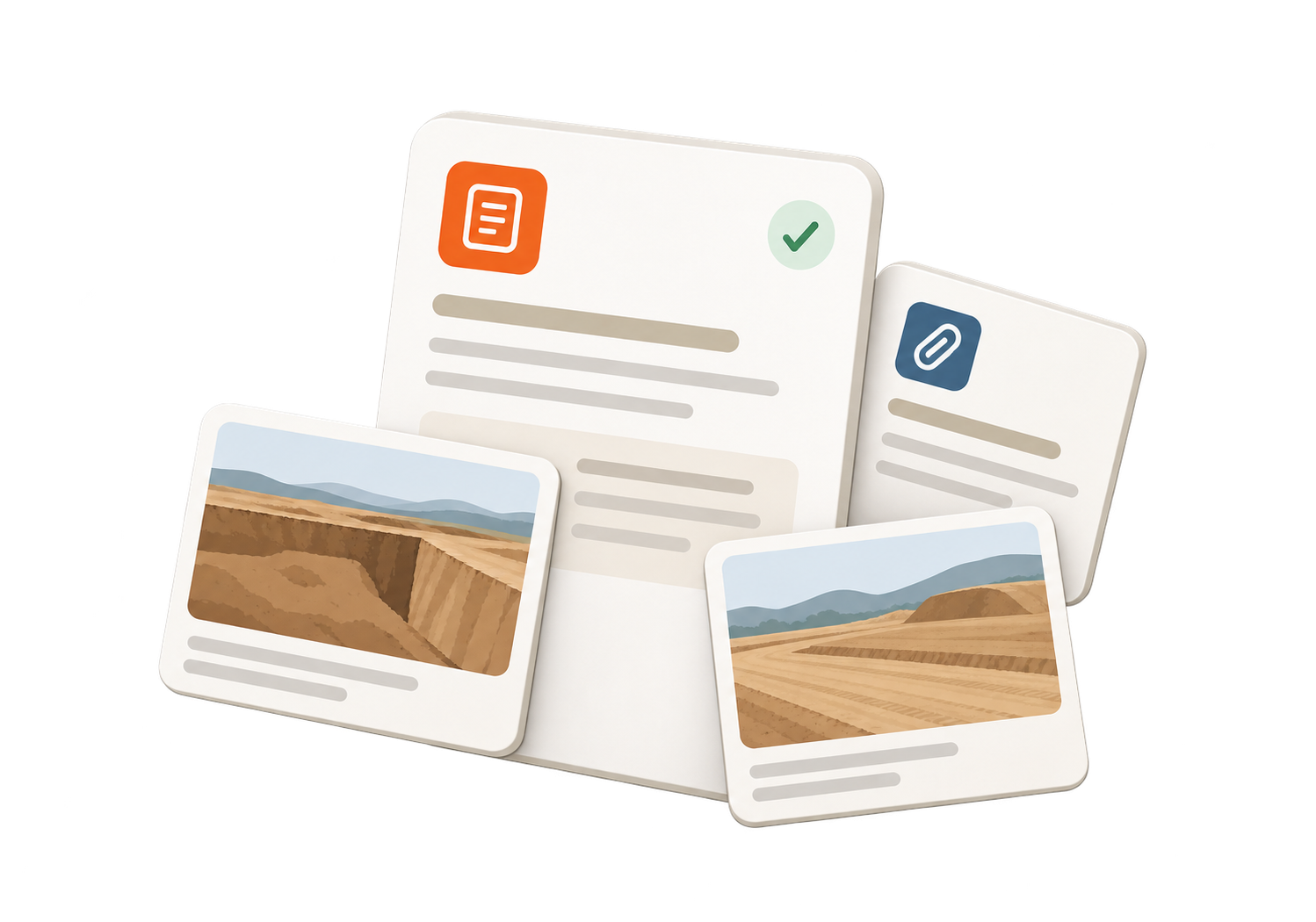
Keep the note and its supporting photos with the job. Supported offline captures reach the office after connectivity returns and sync succeeds.
Worked example
Illustrative field-to-office handoff. The useful record is the condition, where it belongs, and what changed because of it.
The foreman saves a note with the job or task and adds supporting photos. Describe the location and work affected so the office can understand it later.
Workers record their time. If someone moves to another job, the job switch creates a separate time segment rather than hiding the move inside a daily total.
Record the completed work, blocker, and remaining need in the job-day closeout. Use the machine issue path when the problem belongs to Fleet Maintenance.
A supported offline save stays on the phone until reconnection and successful sync. The office reviews the saved records before planning a follow-up or preparing customer documentation.
They use CutFill Field with different access. Workers record their own time and assigned work updates. Foremen have the assigned crew, attendance, and closeout tools their role allows.
Core includes jobs, tasks, time, notes, and simple closeout. Expanded Jobs adds maps, weather, named areas, and detailed closeout. Fleet Maintenance and Material Tracking add their specialist records.
See CutFill in use
We’ll follow it from field entry to the job record, including what happens without signal.