Daily reporting
Record completed work, blockers, and closeout.
 Request demo

CutFill Field App
See assigned people, tasks, and machines. Record attendance, job time, notes, photos, and daily closeout from CutFill Field.
For the foreman
Record completed work, blockers, and closeout.
Review assigned machines and daily entries. Lowboy Dispatch adds ready-to-move and equipment requests.
See the assigned crew and record attendance changes.
Keep assigned work and job notices on the phone.
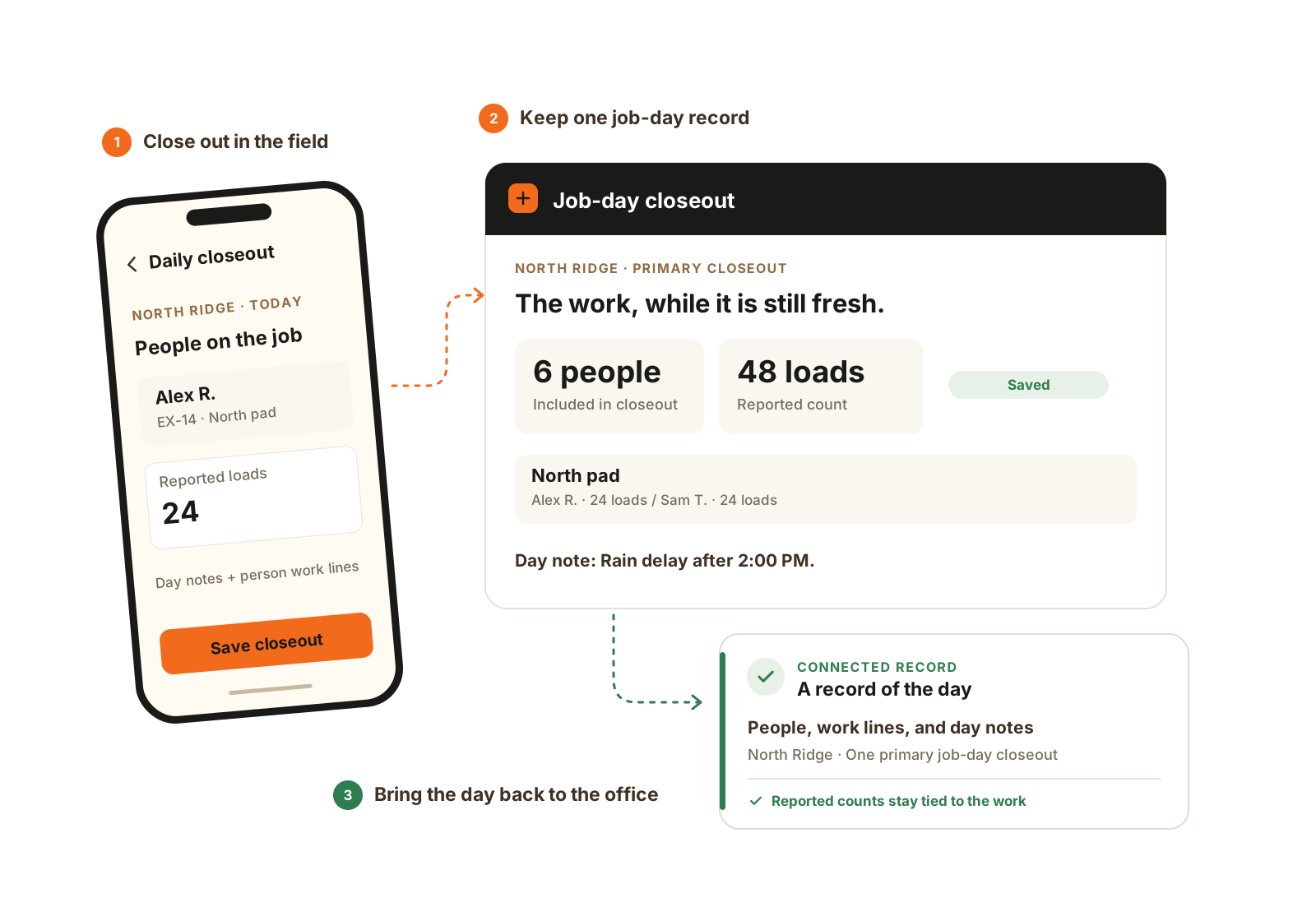
One foreman records the job-day, with the people, work, and notes underneath it. Detailed counts and area rules use Expanded Jobs.
Field worker seat
Operators, laborers, and drivers use worker seats for their own time and assigned work.
Foremen manage crew-level reporting; workers do not need that access to act on their part of the day.
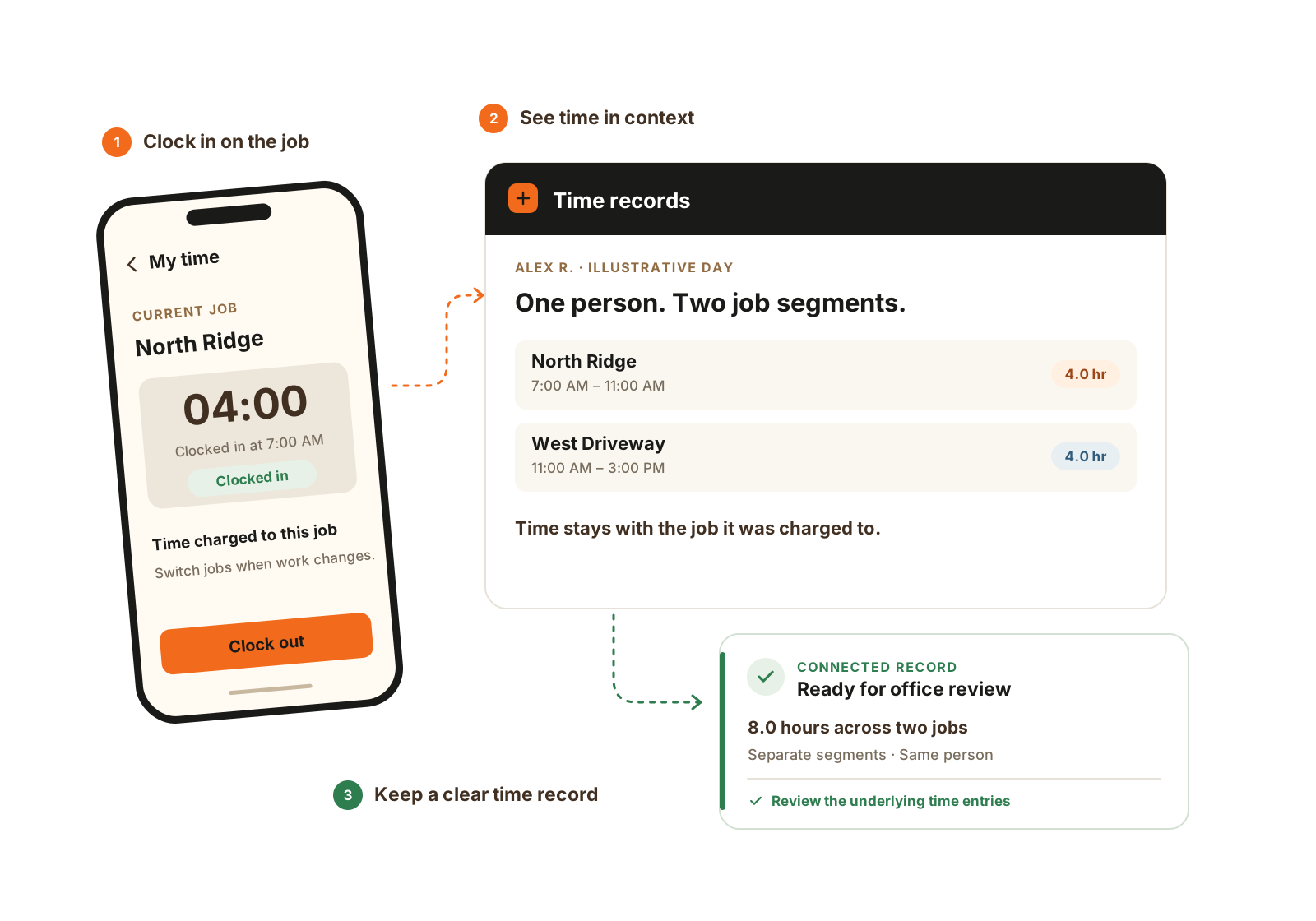
Time follows the job. When the work changes, keep each job segment in the record.
Worked example
Illustrative daily routine. Each step has a specific record, so the office can follow the work after the crew leaves.
While connected, open the jobs, crews, equipment, and tasks you need. New assignments cannot arrive without service.
Keep attendance exceptions, field notes, task updates, and machine needs with the job. Workers record their own time; job switches keep separate time segments.
Log tickets against an open Material Tracking order. For metered water, enter the dial reading on the correct water line; the accepted reading history determines interval usage.
Save the primary job-day closeout with the work and relevant counts. When back in service, confirm successful sync so the office can review the same record.
Specialist handoffs
Questions
Load assigned work while connected. Supported time, attendance, task, note, and closeout updates can save locally. Initial sign-in, new assignments, and live weather need a connection.
After the phone reconnects and the update successfully syncs. Check sync activity and resolve failed updates.
Expanded Jobs adds maps, weather, named areas, and advanced closeout rules. It is included on Growing and Full and can be added to Core Crew.
The foreman records one primary closeout per job and date, with people and work lines underneath it. A person can have multiple lines when the day splits. Operators’ daily equipment entries remain separate from the foreman’s job-day counts.
Yes, with Material Tracking enabled and the relevant job access. The office sets up the company products and order lines; the foreman logs against the open line. Metered lines ask for the dial reading, while delivered-water lines ask for the quantity.
See CutFill in use
Bring the crew list, a typical closeout, and the updates your office needs before tomorrow.