Start the job
Keep the customer, site, crew, equipment, and tasks together.
 Request demo
Grade operations software
Grade Operations is CutFill’s name for daily job coordination: crews, equipment, job time, field notes, and closeout.
Definition
Assign the crew and machines, record what changes, and keep the office working from the same job record.
CutFill handles daily operations alongside your takeoff, estimating, survey, machine-control, and accounting tools.
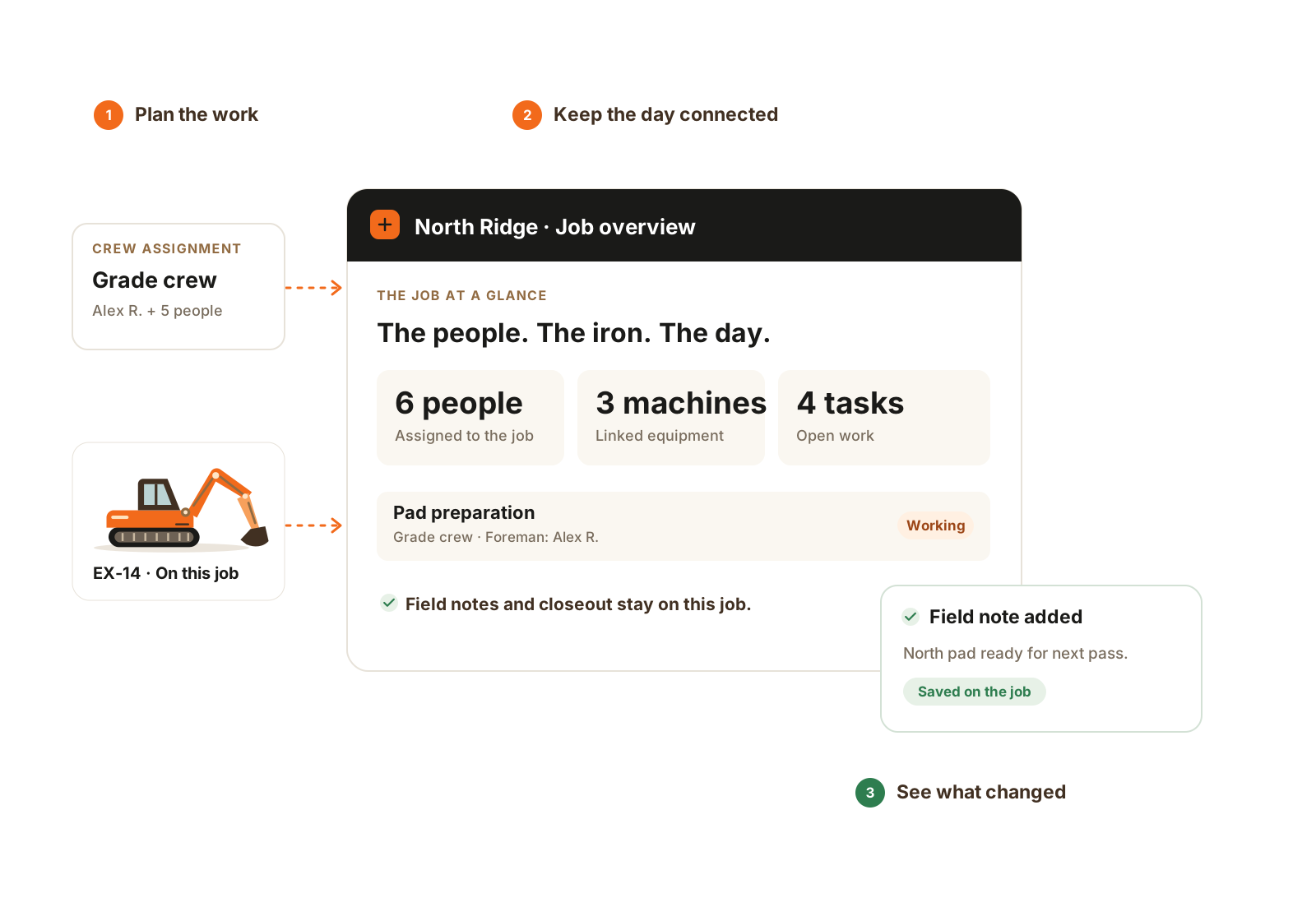
The crew, equipment, tasks, and field record stay connected to the same job.
Where it fits
Keep the customer, site, crew, equipment, and tasks together.
Capture job time, task updates, notes, photos, and closeout.
Use the saved record to plan the next shift and support billing in your accounting tool.
Worked example
Illustrative workflow for an excavation or grading contractor. It shows where the daily operating record sits between winning the work and preparing the books.
Put the customer, site, people, machines, and tasks on the job. The foreman and workers load their assigned work in CutFill Field.
If an operator moves to another job, switch the time target and update the assignment. Keep the reason, field note, or photo with the work it explains.
The foreman records work completed, applicable counts, delays, and what remains. Simple closeout is in Core; Expanded Jobs adds detailed area and count rules.
The office reviews the saved and synced records before planning tomorrow’s crew or preparing supporting detail for billing in its accounting tool.
Category fit
No. CutFill organizes the people, equipment, and daily records around active jobs. It does not model cut/fill or guide a machine.
No. It also serves excavation and dirt work businesses, from owner-operators to multi-crew companies.
Related workflows
See CutFill in use
Bring an active job and the next decision you need better records for.