One record per job
Keep the customer, address, tasks, and notes together.
 Request demo

Dirt work software for owner-operators
Track customers, jobs, machine assignments, and hours from the field. CutFill gives owner-operators and small dirt crews a record to work from when it’s time to bill.
For owner-operators
When you quote the job, run the machine, and prepare the bill, the details can end up in three places.
Keep the customer, site, hours, machines, and added-scope notes on one job—even when weather stretches it across several days.
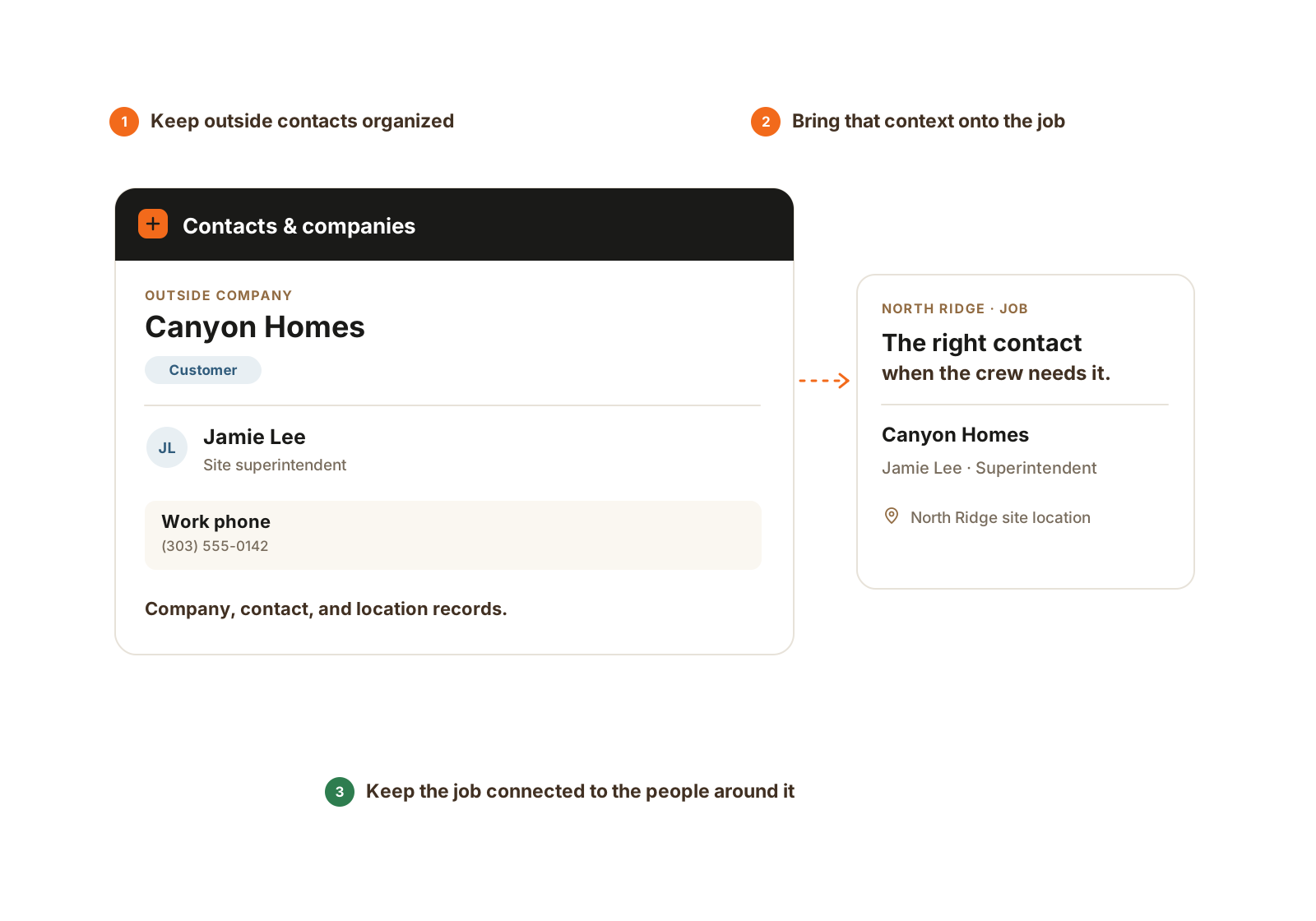
The company, outside contact, and site location stay within reach of the job.
The work you already do
Driveways, pads, clearing, drainage, trenching, and haul-off all get a job record.
Keep the customer, address, tasks, and notes together.
Find the homeowner or builder and the jobs linked to them.
Clock in from your phone; switch jobs when the work changes.
See the operator, assigned job, and latest recorded hour-meter reading.
Ready for billing
An extra culvert, another day on the machine, or a rain delay changes the job. Record it while the work is in front of you.
Review that record in CutFill, then create the estimate or invoice in your existing accounting tool.

Keep the job, its time, equipment, and field records together so the office can work from what happened.
Illustrative example; invoices remain in your accounting tool.
Add the customer, site address, tasks, people, and machine.
Track job time and machine hours. Note the added culvert or haul-off.
Record the rain delay and return the next day. Confirm offline updates sync.
Review hours and scope notes before creating the invoice in your billing tool.
Who it fits
Keep jobs and hours together while you run the machine.
Give the person handling paperwork their own access to the job records.
Workers clock their own job time and update assigned work.
Add foreman or worker seats as needed; compare larger plan bundles on Pricing.

Personal time stays with the job it was charged to, including separate segments when the work changes.
The details that matter
For an owner-operator or small dirt crew, useful software should help when the customer calls after the machine has already moved. Record the details while the work is still in front of you.
Questions
Yes. Core Crew includes 1 office, 1 foreman, and 3 worker seats. The included roles stay fixed as people join.
Yes. Keep the same job record through partial shifts, rain delays, and return visits.
Record hour-meter readings with the machine’s assigned operator and job. Readings are entered records, not automatic engine telemetry.
No. Use CutFill’s hours, machine context, and scope notes to prepare them in your existing billing tool.
Loaded work remains available. Supported clock, task, note, and closeout updates save locally and reach the office after successful sync.
Material Tracking can be added to Core Crew or either larger plan, with no dedicated material seat. It records orders, accepted tickets, delivered water, and meter readings. Owner/admin views use entered costs and show missing inputs; water and meter rental stay on their own order.
Use a job that ran over two days or gained extra scope. Show the customer and job details, assignments, time entries, machine daily record, photos, and closeout. Then confirm which records you would use when preparing the invoice.
Related pages
Walkthrough
Tell us which jobs are open, which machines you run, and who helps. We’ll walk through the records you need and confirm a starting package.
We’ll use these details to respond and focus the walkthrough on your operation.