Issues
Keep the reported problem and job context together.
 Request demo
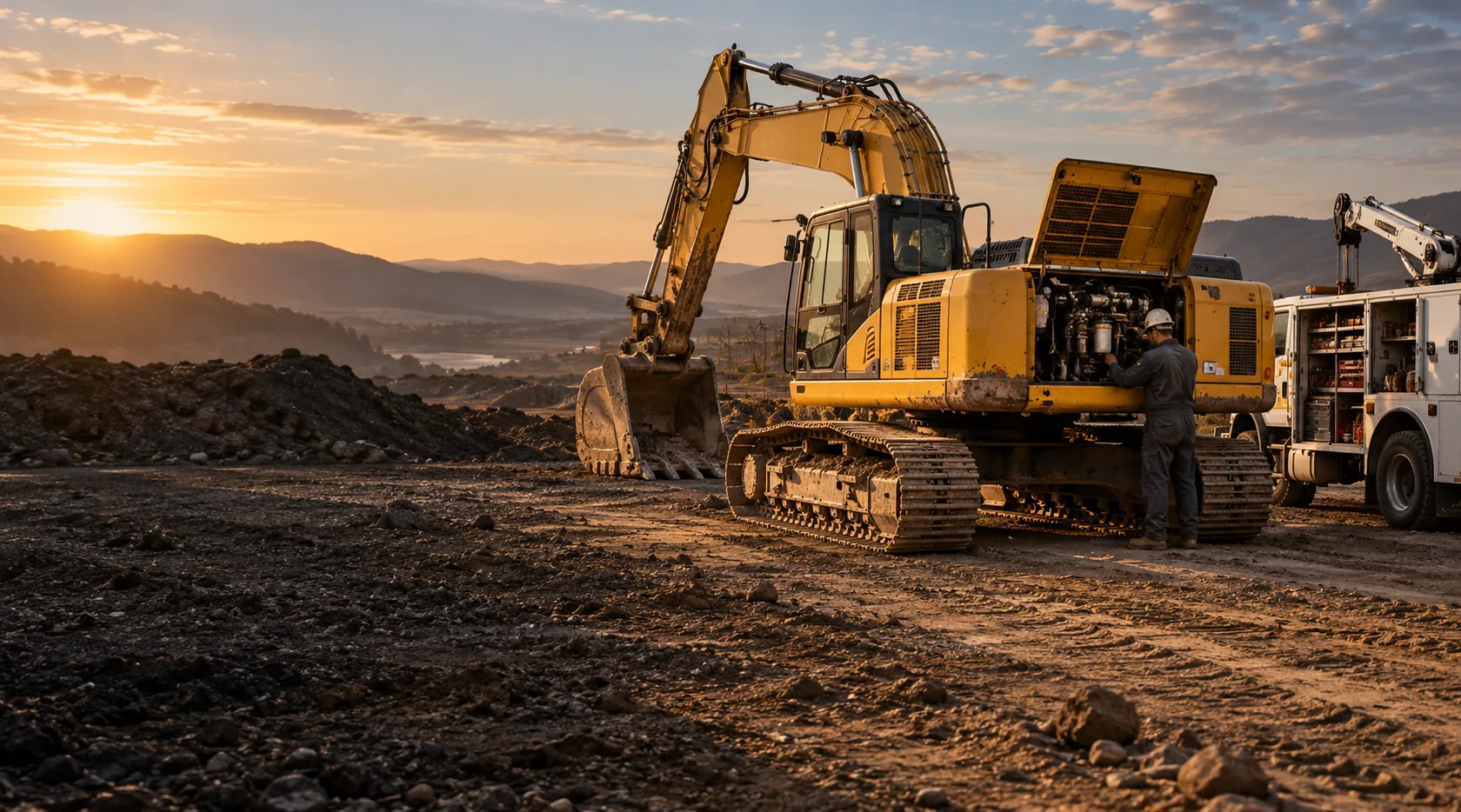
Fleet Maintenance
Connect field issues, repair work, routine visits, and service history. Add the module to Core or Growing with one mechanic/oiler seat, or use it as part of Full.
What it does
Report the problem against the machine. Assign the repair and keep the completed service in its history.
Eligible foremen can report issues. Mechanics and oilers use fleet seats to run the work.
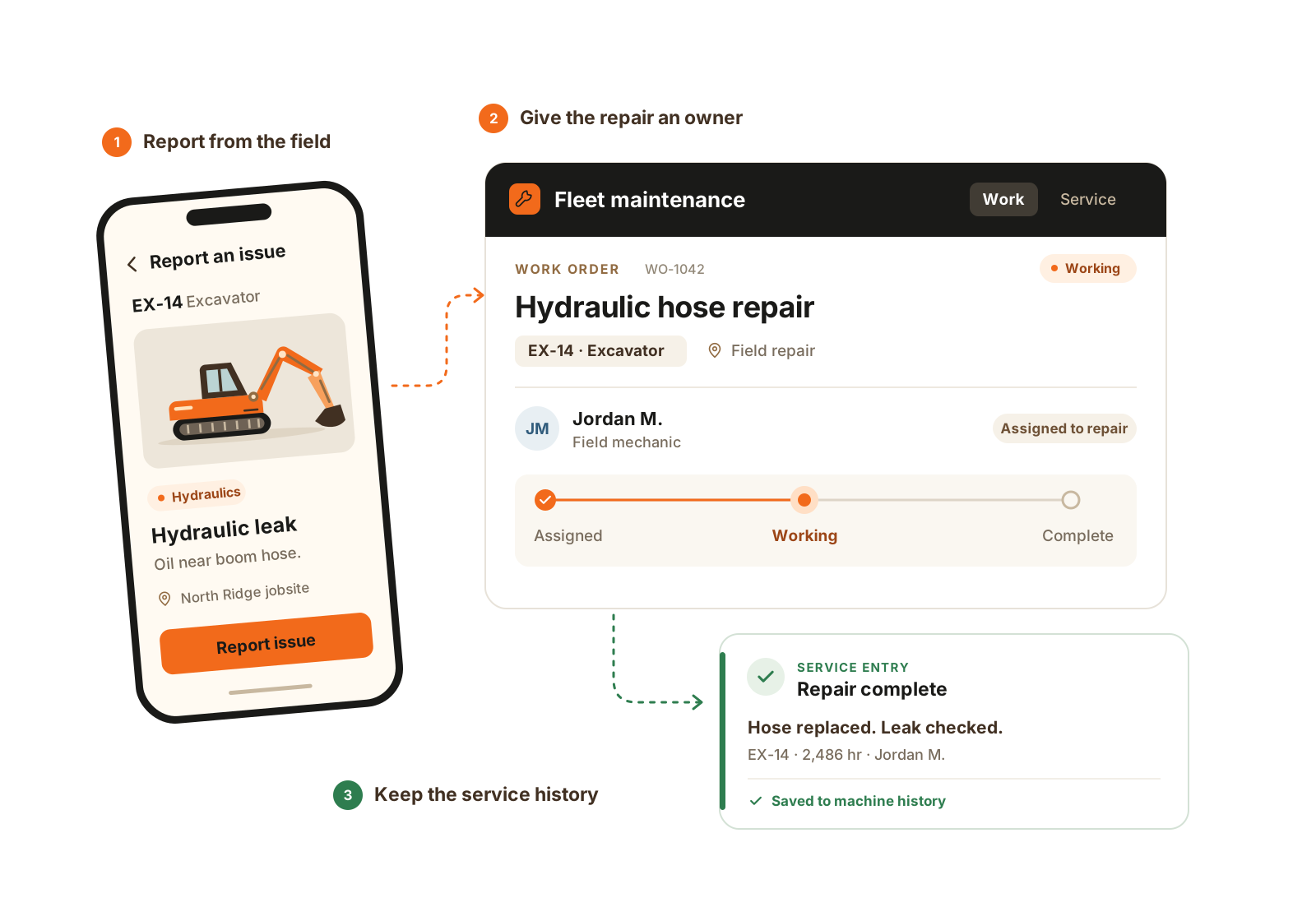
A field report becomes owned repair work, then a service record that stays with the machine.
Inside the module
Keep the reported problem and job context together.
Assign work and track its recorded status.
Record fuel, fluids, meter readings, and service notes.
Find previous work before diagnosing the next problem.
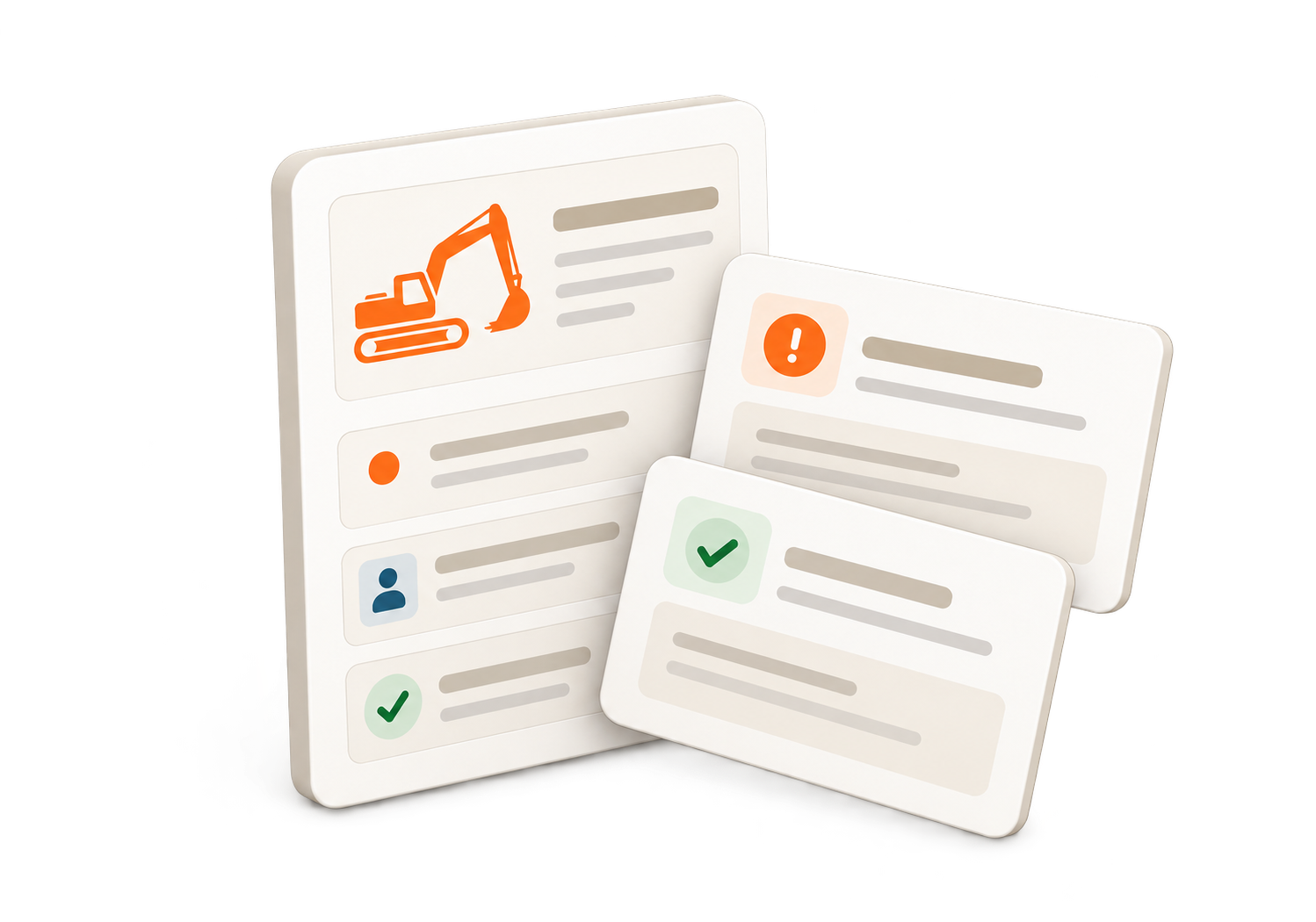
The issue and service history belong to the machine. Repair work and routine visits use Fleet Maintenance.
How it helps
Oilers record visits to machines on a job. Fuel, fluids, readings, and notes stay in service history.
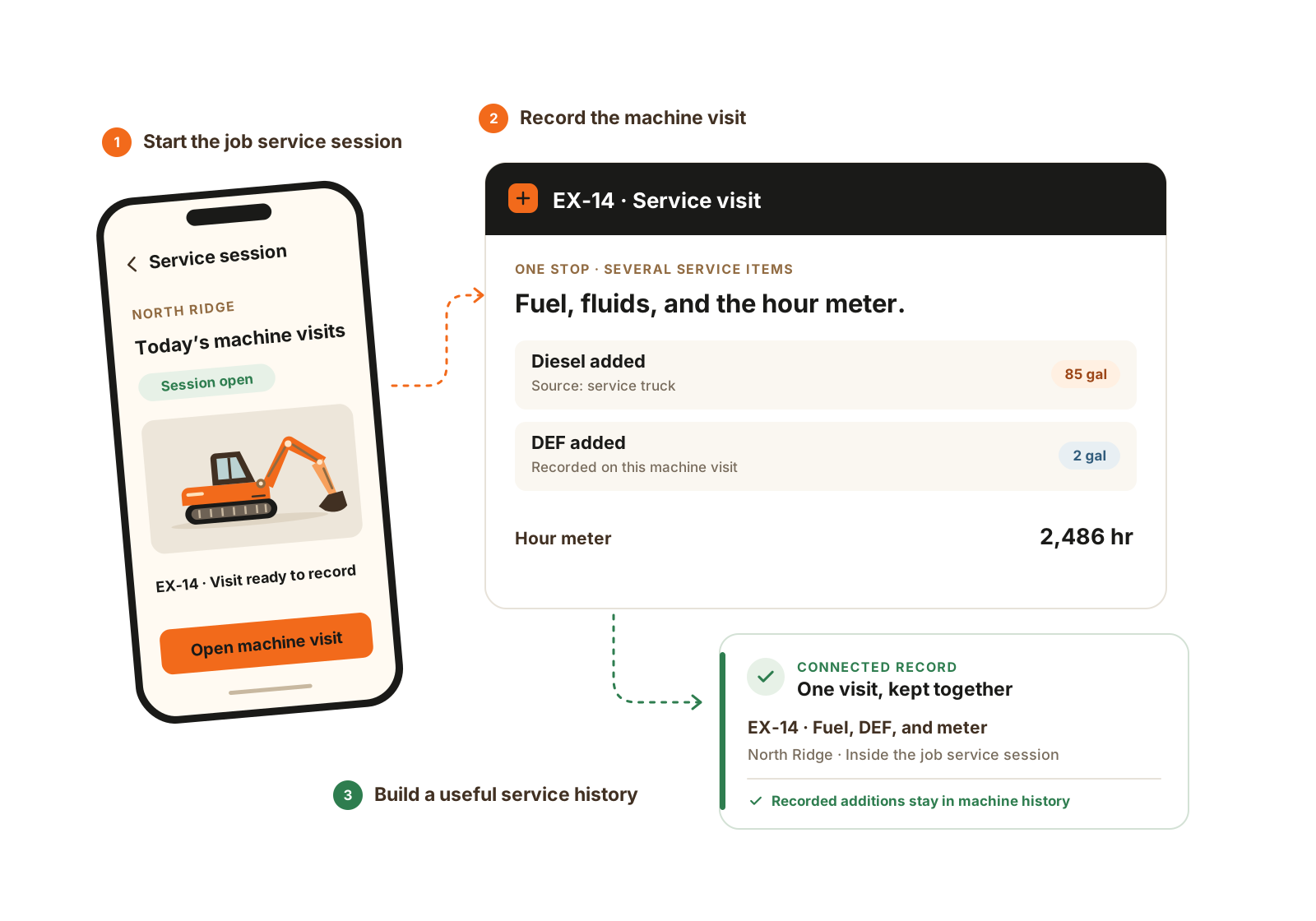
Routine service has its own path: a job service session, a machine visit, and the fuel, fluids, and readings recorded at that stop.
The details that matter
A useful maintenance history shows the reported problem, who owns the response, and the work actually recorded. Routine service does not need to start as a breakdown.
Service in the field
Questions
With Fleet Maintenance enabled, eligible foremen can report issues and add context. Mechanics and oilers use specialized seats to run the work.
Fleet Maintenance includes one mechanic/oiler seat. Additional fleet seats can be added as needed. Full Operations includes the module; Core and Growing can add it.
No. Routine service can be recorded on its own. Fleet Maintenance keeps job service visits and the machine service history alongside issues and work orders, without treating every fuel or fluid entry as a breakdown.
Use one reported field problem and one routine visit. Follow the issue, owner, field/shop location, work updates, and completed service entry. Then find the machine history and discuss how your team confirms operating readiness.
Explore further
Walkthrough
Bring one current job and the records your team uses. We’ll demonstrate the relevant workflow and confirm scope, seats, and price.
We’ll use these details to respond and focus the walkthrough on your operation.