Job status
Keep the customer, location, owner, and current work together.
 Request demo

Excavation management software
See the job, who owns the work, which machine is assigned, and what changed in the field. CutFill connects daily assignments with the record the office reviews.
Management scope
Keep the customer, location, owner, and current work together.
Give each task an owner and due date; record progress and blockers.
See who is assigned and record attendance changes.
Keep the machine’s job, operator, and recorded hours in view. Review the Lowboy Dispatch workflow when you need pickup-ready and move coordination.
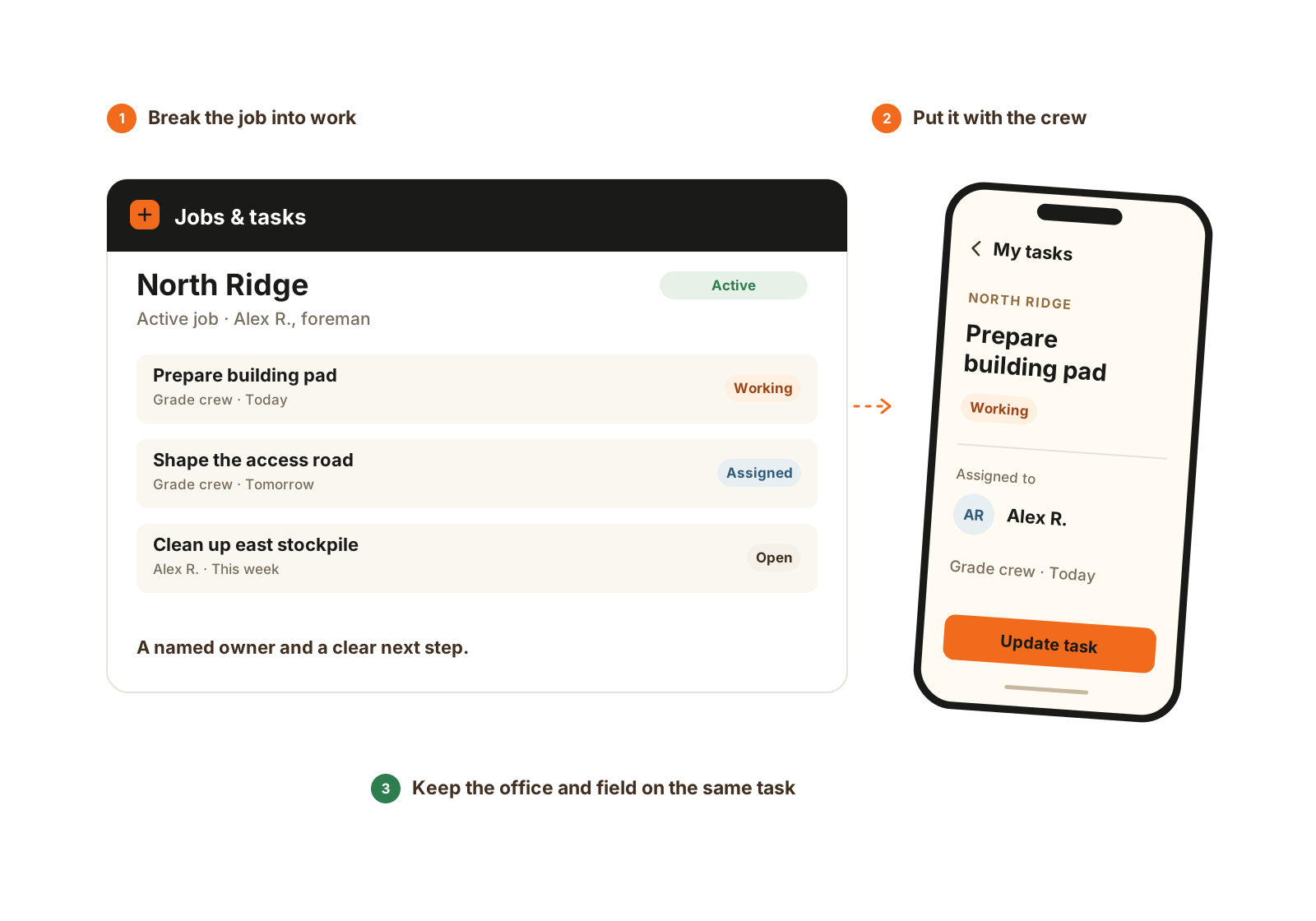
Give the work a name, an owner, and a place in the crew’s day.
A daily example
Update the person, task, or machine tied to the job.
Keep the note and the time segment with the work they describe.
Use the updated record to resolve blockers and plan the next assignment.
The details that matter
Excavation management includes both assigning the work and understanding what changed after the crew arrived. CutFill gives those updates a place on the job.
CutFill manages daily jobs, crews, time, equipment records, field updates, and closeout. Keep takeoff and estimating for the bid, and accounting for invoices, payments, and payroll.
Bring a recent job with a crew or machine change, the way you currently record hours, and the field updates the office needed. We can follow that example through CutFill and confirm the right plan and modules.
Walkthrough
Bring a current assignment sheet and a change that was hard to communicate. We’ll show how the job record handles it.
We’ll use these details to respond and focus the walkthrough on your operation.