

Software comparison
Daily operations are one part of excavation software.
CutFill uses Grade Operations to describe daily job coordination. Use the term to understand its scope—not as a substitute for checking the features you need.
By CutFill
Working definition
Choose around the work you need to manage.
Excavation software can mean takeoff, estimating, accounting, field reporting, or job management. Those needs are different.
CutFill focuses on active jobs: assignments, job time, equipment records, field notes, and closeout. Keep the other tools your business needs.
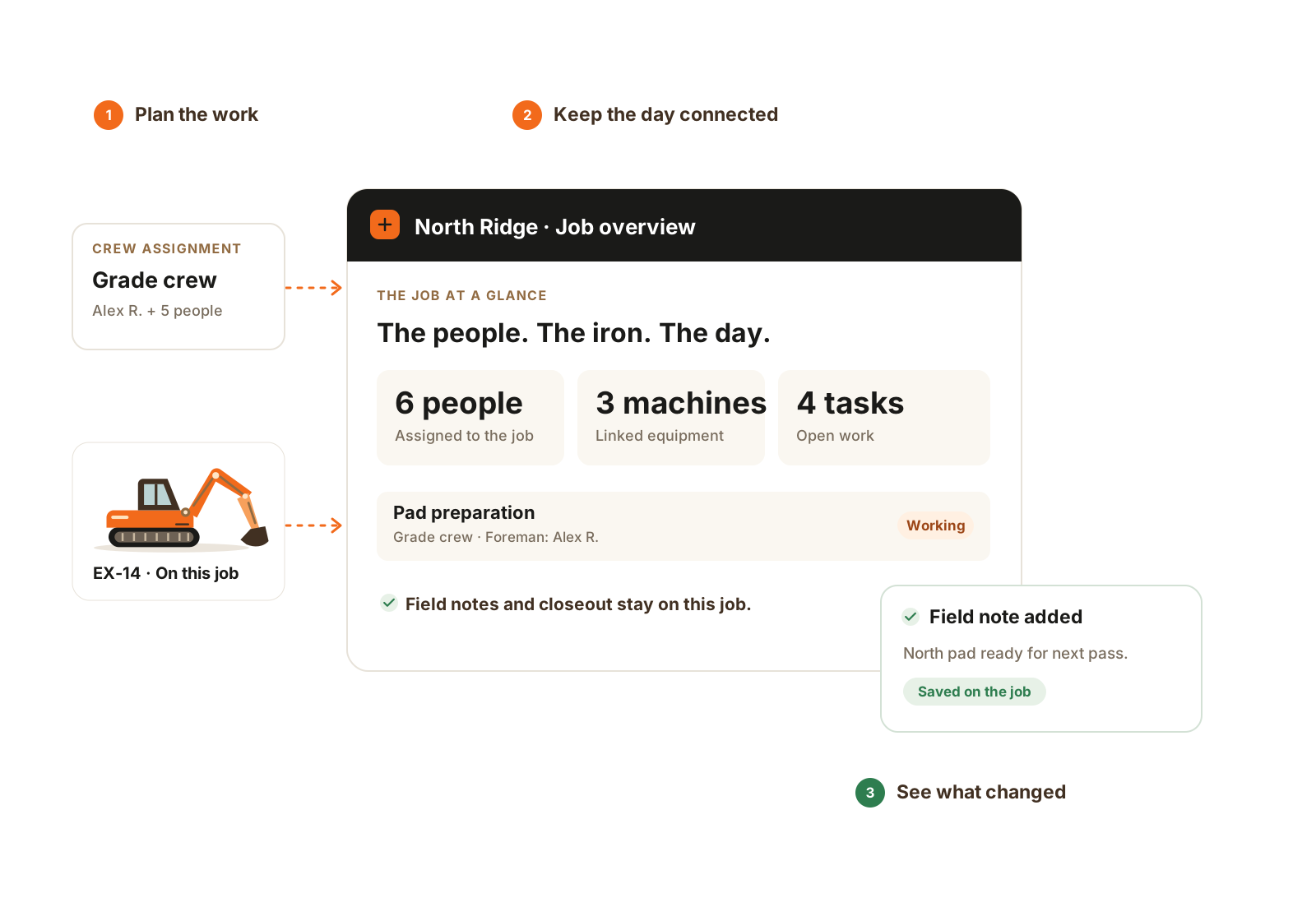
The crew, equipment, tasks, and field record stay connected to the same job.
- Assign the people and equipment.
- Keep the work on the job.
- See the field update in context.
Buyer clarity
What each software term means
CutFill’s name for its daily job and field-record focus.
Daily coordination of crews, machines, and work.
Assignments, hours, equipment, notes, and closeout.
A broad category including estimating, field tools, and accounting.
The daily operating record after the plan is prepared.
May refer to takeoff, quantities, and cut/fill models.
CutFill Field for assigned work and daily reporting.
Time, tasks, notes, photos, and job reporting.
Worked example
Use the terms to narrow the demonstration, not the decision.
Excavation software can describe several product categories. Grade Operations is CutFill’s name for the daily operating layer. Test the workflow behind the label.
Name the output you need
A bid quantity, a crew assignment, a machine position, a supplier ticket record, and an invoice are different outputs. Write down which one is missing today.
Bring the supporting inputs
Use your own plans, crew board, job-day notes, material tickets, or accounting handoff. Ask the vendor to follow them rather than showing only a feature menu.
Check the boundary
Confirm what is captured, what is calculated, what depends on hardware or another module, and what leaves the system. In CutFill, estimating and accounting remain separate; broader reporting is planned.
Compare the complete operating fit
Price the real people and modules, try the relevant field workflow, and leave with a list of current capabilities and remaining requirements.
Related workflows